


If you’re eager to discover blog post ideas in any niche, you’re in the right place. I’ve used these strategies to fuel my content engine, and they’ve helped me (and many readers) break through creative blocks consistently.
Today, I’ll walk you through using my favorite tools, strategies, and tips to drive immense amounts of blog traffic to your site. Plus, I’ll share tips on promotion strategies I use and walk you through what you can do for your own blog.
The Secret To Finding Blog Post Ideas
It doesn’t matter how experienced or knowledgeable you are in your niche; we all run into issues with new and creative blog posts now and again (including myself). So what’s the secret to finding new blog post ideas? How can you get vistors to read those ideas?
For starters, the first thing I do when I am struggling to think of new ideas is to research what the current trends are in my niche. Because my blog is all about helping people, it only makes sense to help them by finding the most frequently asked or searched topics.
If you’re new to blogging, this is also referred to as keyword research. By finding keywords using specific tools, we can gather information about our audience to determine what blog post ideas we should write about.
Let’s look into my favorite tools to help me brainstorm new and trending blog post ideas:
Unlocking Ideas with Google’s Free Keyword Tool
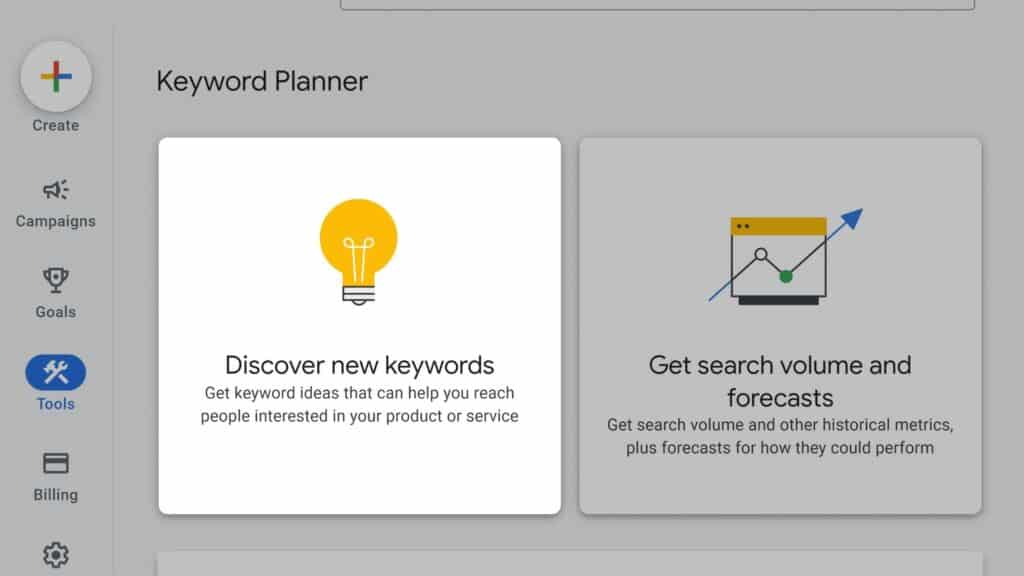
One of the most underrated treasures for keyword and topic research is Google’s free Keyword Planner (you don’t need to run ads). Start by typing in broad niche terms—like “budget travel,” “digital marketing,” or “plant-based recipes.”
The planner returns related search terms, volume estimates, and competition data. Because I always aim to match content to real audience queries, I scan for search terms with moderate volume and low competition.
These often spark unique angles—like “budget travel in Eastern Europe” or “digital marketing tips for freelance writers”—that other bloggers are overlooking. And because Google is pointing these out, you know your readers are searching for exactly that.
Dive Deep with Answer the Public
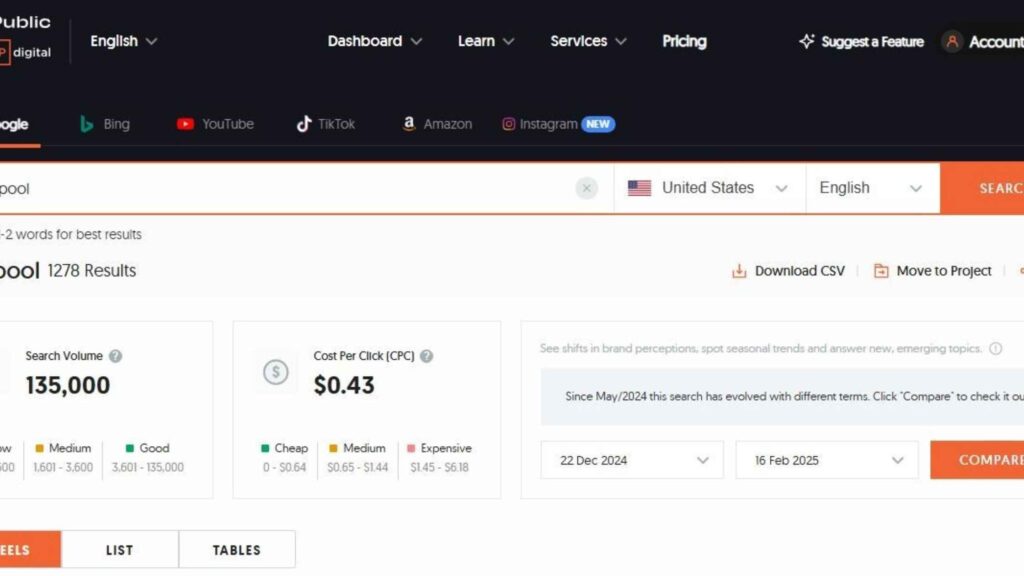
Answer the Public maps out real questions people ask based on any keyword. Simply enter your niche term (for example, “start a blog” or “blogging course”) and instantly see popular questions like Why, How, What, Where, and more.
I love how granular this gets. Say you type in “blogging” and instantly see “how to start a blog” or “how to monetize a blog.” Each one becomes a ready-to-use blog post idea that directly aligns with audience curiosity.
So, once I spot these, I jot them down in my editorial calendar, perfect for blog posts that people genuinely want answers to.
Pinterest Trends Tool (Plus Promotion Tips!)
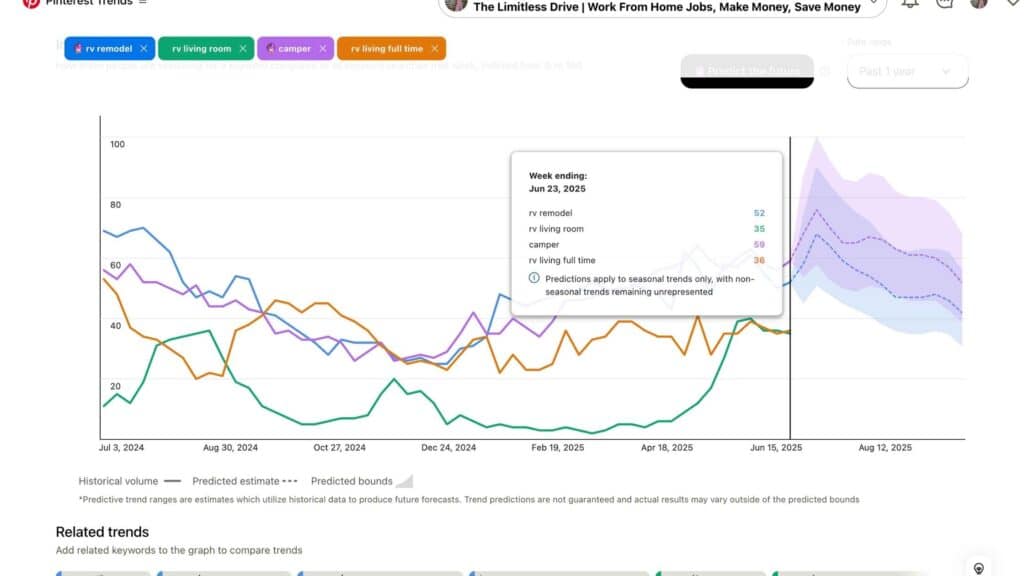
Pinterest Trends is my secret weapon when brainstorming content ideas. It’s built right into Pinterest and shows trending terms, peak seasons, and emerging topics in your niche.
Since Pinterest functions like a visual search engine, what’s trending there often signals what people are planning for or dreaming about. I recently discovered “camper” trending highly in spring.
I turned that insight into a blog post with eye-catching images and pinned it directly to Pinterest. With a little strategic SEO in the pin title and description, that single pin drove hundreds of new views to my blog in its first week!
And this is where Pinterest promotion kicks in. Once you’ve written the post, turn it into a beautiful pin, your blog post gets exposure, and so does your Pinterest presence, which begins doubling your reach.
Plus, this gives longevity to your content, since pins stay discoverable for months.
You can learn how to master this process in my Pinterest Course for Bloggers. It covers keyword optimization for pins, designing scroll-stopping graphics, and using Pinterest effectively to drive blog traffic (my personal strategy).
Mentioning My Free Blogging Course
If you are new to blogging, want to start a blog, or even an experienced blogger, I believe everyone can find value in my blogging course. The best part about it is it’s completely free!
Want a deeper dive into content creation, editorial planning, and long-term growth strategies? Enroll in my Free Blogging Course, where I guide you through building your blog’s foundation, developing content themes, and implementing SEO best practices.
It complements the tools above: first find topic ideas with Google Keyword Tool, Answer the Public, and Pinterest Trends; then polish your content and promotion strategies with targeted modules in the free course.
Combining the Strategies into a Smart Workflow
Let’s turn ideas into action—here’s a sample workflow I personally follow:
- Brainstorm your topic clusters using Google Keyword Tool—find seed terms like “mindful living.”
- Plug those terms into Answer the Public to gather raw questions like “How to practice mindful living in a busy schedule?”
- Check Pinterest Trends to see which related terms are gaining traction (e.g., “mindful morning rituals”).
- Choose a blog post angle that blends all three—like “10 mindful living habits busy professionals swear by.”
- Write a helpful post, weaving in SEO naturally (your keyword phrase appears once or twice per 100 words).
- Design a pin, incorporate trending Pinterest keywords, and publish.
- Amplify with a small Pinterest ad budget, following the tactics from my course.
- Repeat—build an editorial calendar based on these proven steps.
What’s the easiest free tool to find blog post ideas?
Answer the Public is user-friendly and shows real questions people ask. It’s perfect for generating topics that readers actually want answers to. I also enjoy google keywords and don’t get me wrong that it is still very user friendly.
However, Answer The public offers amazing visual features like charts and color coding that make it very easy to navigate through, especially for beginners.
How reliable is Pinterest Trends for determining content ideas?
Pinterest Trends shows what’s gaining popularity—and since Pinterest searches often signal future demand, it’s a strong indicator of topics that will perform well on blogs and visually-driven platforms.
So many bloggers today still do not utilize Pinterest to drive traffic, which is mind-boggling to me since it has helped my blog so much! I highly recommend the Pinterest trends tool as well because it is a great way to quickly find what is relevant to your readers.
Check out these related helpful resources next:
Fuel Your Blog with a Proven System
I’ve shared how Google’s Keyword Tool, Answer the Public, and Pinterest Trends can generate blog post ideas tailored to real audience queries—and how to turn those ideas into traffic-driving content.
If you’re ready to level up, start with my Free Blogging Course to build a strong content foundation. Then, dive into my Pinterest Course for Bloggers to master promotion and drive results to your blog.
Start implementing today—your evergreen blog content (and growing traffic!) is waiting for you.